


Want to learn more? Schedule a demo.
Generate Case-Aware Drafts in Minutes
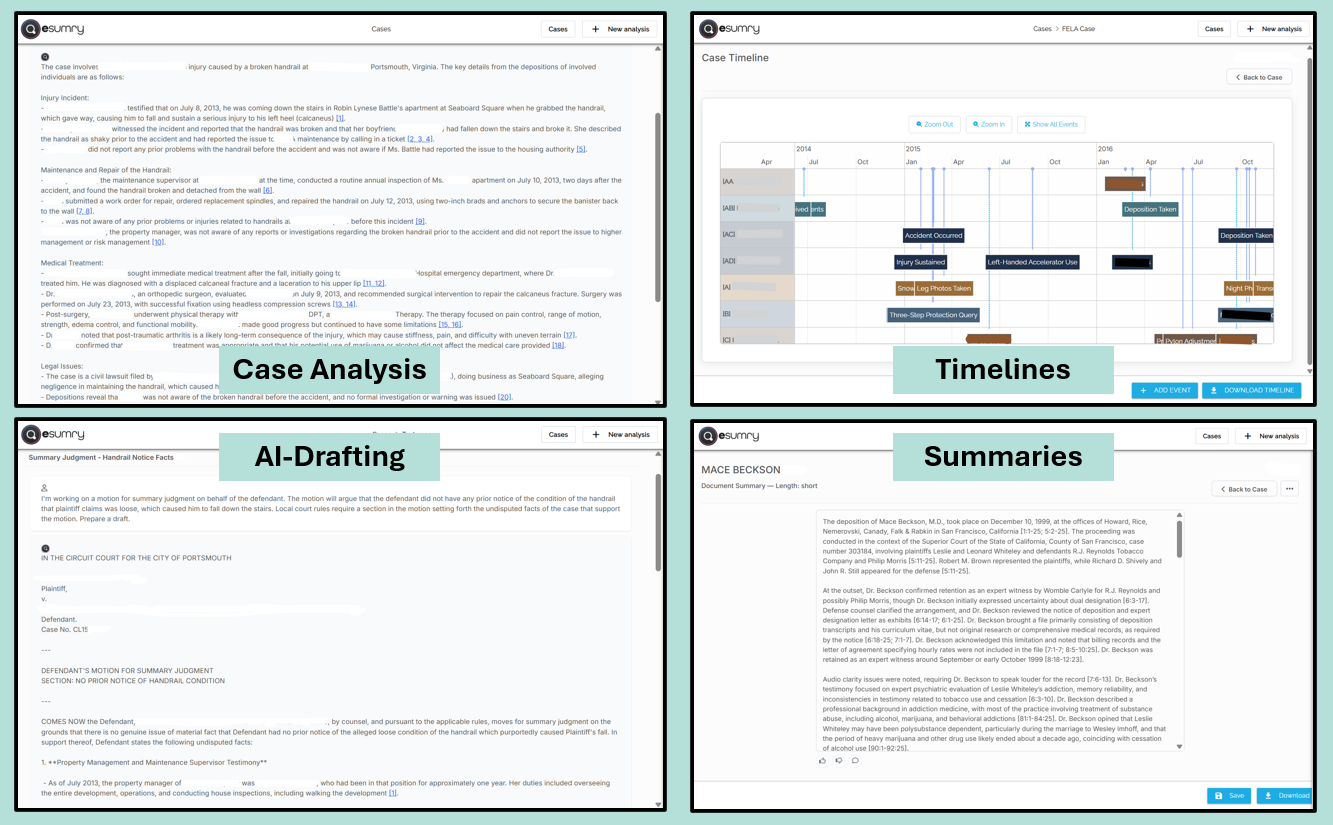
Lawyers decide the type of document they want—motion, pleading, discovery, report, outline—and esumry uses the case materials to generate a structured first draft. The draft incorporates relevant facts and issues, all source-linked to the case materials, providing counsel an accurate and substantial start for turning it into final work product.
Standardize Work Product to Client Expectations
You can define preferred structures and sample language for key filings and reports. Defense lawyers then use those expectations as the starting point when they draft in esumry. Over time, your motions, reports, and internal analyses become more uniform across matters and firms.
Keep Lawyers in Control of the Final Work
esumry accelerates the assembly of facts and arguments, but lawyers remain responsible for reviewing every section, confirming every fact, and shaping the final argument. That balance lets you embrace AI without compromising professional judgment.
Reduce Low-Value Drafting Hours
Many hours on complex matters go to drafting tasks that don’t require senior-level judgment: extracting metadata, drafting summaries, building chronologies, or formatting content. esumry automates those tasks so defense lawyers can focus on strategy and execution—exactly what clients want to pay for.
Support Internal and Client-Facing Documents
The same drafting workspace can be used for internal memos, client updates, and board-ready narratives. Lawyers choose the format and audience; esumry helps arrange the facts and develop narratives so they can focus on what matters.
How the AI Drafting Workspace Fits into Your Workflow
Step 1 – Choose document type and scope
The lawyer selects a document type (e.g., motion to dismiss) and identifies which parts of the case record to draw from.
Step 2 – Generate and review the draft
esumry produces a structured draft, citing or linking to supporting materials where appropriate. The lawyer reviews, edits, and adds legal strategy.
Step 3 – Export and finalize
The draft is exported into Word® or your DMS for final polishing, partner review, and filing. The client sees a well-crafted document; they never need to use or see the tool.
AI Drafting Workspace – Frequently Asked Questions
-
It can generate full draft documents, but these are starting points. Lawyers review and can revise every draft before filing. esumry speeds up drafting; it does not replace legal judgment.
-
Yes. You can define preferred structures and model formats for common filings and reports. Lawyers then use those models when they draft in esumry, improving consistency.
-
Drafts are based on materials the lawyer has uploaded into the case. esumry enables best practices for lawyers to verify factual statements and citations before anything is filed or shared externally.
-
It reduces hours on time-consuming data extraction, summarization and drafting tasks. Many firms redeploy some of that time into deeper analysis, preparation, and client communication, which is easier to justify and harder to commoditize.
-
Yes - as long as counsel treats drafts as accelerators, not autopilot. In high-stakes matters, partners still lead the strategy; esumry just helps the team get there more efficiently.